 Aniv AI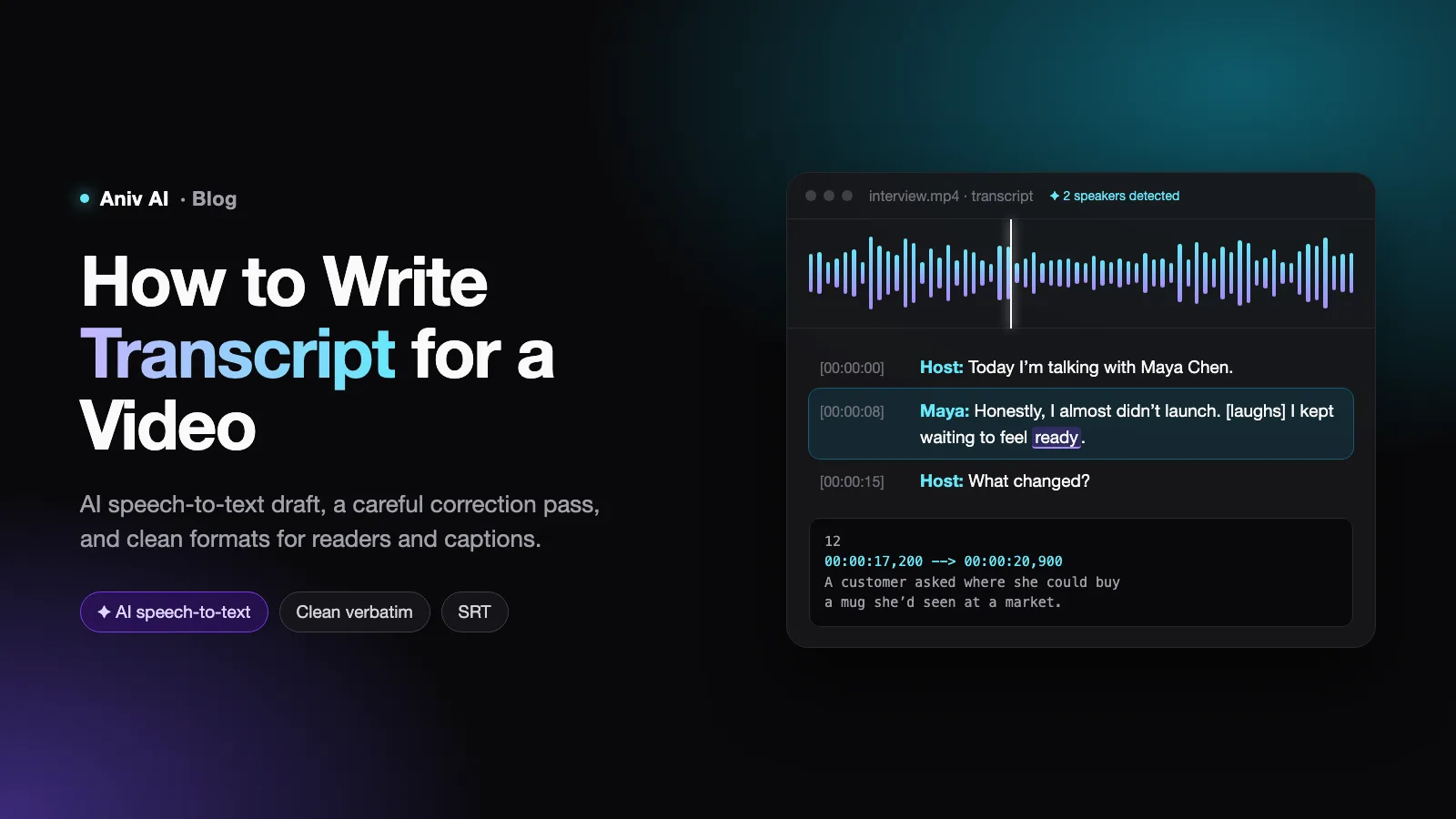
A video transcript looks like the easiest writing job there is: listen, type what you hear, done. Then you try it. An hour of speech turns into four hours of pausing and rewinding, two speakers talk over each other, someone says a product name you have never heard, and the finished text is a wall of words nobody wants to read.
Speech recognition has changed the first half of that picture. AI can now produce a draft transcript of a clear recording in minutes. What it has not changed is the second half — deciding what the transcript is for, fixing the errors that machines reliably make, and formatting it so a reader, a search engine or a caption file can actually use it. This guide covers the whole job, from choosing the right type of transcript to publishing it, with AI doing the heavy lifting where it is good at it.
Transcript, captions, subtitles or script?
These words get used interchangeably, but they are different deliverables, and knowing which one you need saves rework.
| Deliverable | What it is | Written |
|---|---|---|
| Script | The plan for what will be said and shown | Before filming |
| Transcript | A text record of everything spoken (and sometimes key sounds), readable on its own | After filming |
| Captions | The transcript split into short timed segments shown on screen, in the same language, often with sound cues like [music] | After the transcript |
| Subtitles | Timed on-screen text, usually translated for viewers who can hear but do not speak the language | After the transcript |
The transcript sits in the middle of that chain. Get it right and captions, subtitles, blog posts and show notes all come from it. If you are still at the planning stage and need the words before the camera rolls, you want a script instead — see how to write a script for a video.
Choose your transcript style first
There are three standard styles, and the choice decides how much cleaning you do later.
- Verbatim. Every word exactly as spoken, including "um", "uh", false starts, repetitions and notes like [laughs] or [crosstalk]. Used for legal records, research interviews and anything where how something was said matters.
- Clean verbatim. Every meaningful word, with fillers, stutters and false starts removed. Grammar is left as spoken. This is the default for most video content: faithful, but readable.
- Edited. Lightly rewritten for reading — sentences completed, repetition trimmed, grammar corrected. Used when the transcript will be published as an article, a quote sheet or show notes.
A quick illustration. The speaker says:
So, um, the — the thing about launching is, like, you never actually feel ready, you know?
Clean verbatim: "The thing about launching is you never actually feel ready, you know?" Edited: "The thing about launching is that you never feel ready."
Decide once, write it down, and apply it to the whole file. Mixed styles are the most common reason a transcript reads as sloppy.
Step 1: Prepare the audio
Whether a person or an AI does the transcribing, the audio quality sets the ceiling on accuracy.
- Use the best source. Export audio from the original recording, not from a compressed social media download.
- Separate tracks if you have them. If each speaker was recorded on their own microphone, transcribe each track or keep them available — speaker identification becomes trivial.
- Reduce obvious noise. A basic noise-reduction pass in an audio editor helps both humans and machines, but do not overdo it; heavy processing creates artefacts that recognition models mishear.
- Collect the vocabulary. Write down names, brands, technical terms and acronyms that appear in the video. You will need this list in Steps 2 and 3.
Step 2: Generate a first draft with AI speech-to-text
Typing a transcript by hand takes roughly four to six hours per hour of clear audio, more with several speakers or poor sound. Automatic speech recognition (ASR) produces a draft of the same hour in minutes, and on a clean recording of a single speaker the draft is often close to usable.
Your options fall into three groups:
- Built-in platform captions. YouTube and most video platforms generate automatic captions you can download and edit. Free and convenient, but you cannot control the model, and accuracy on names and jargon is limited.
- Dedicated transcription services. Paid tools add speaker labels, custom vocabulary, timestamps and an editor built for correcting transcripts. Worth it if you transcribe regularly.
- Open speech models. Open-source recognition models such as Whisper can run on your own machine, which matters when recordings are confidential and cannot be uploaded anywhere.
Whichever you choose, use the features that matter most for accuracy: set the correct language (and do not rely on auto-detection for short or mixed-language clips), add your vocabulary list if the tool supports custom terms, and turn on speaker diarization — the feature that separates speakers — if more than one person talks.
Step 3: Correct the draft — where AI transcripts go wrong
The AI draft saves most of the typing. It does not save the listening. Plan on a full pass through the audio with the transcript open, and know where the errors cluster:
| Error type | Example | How to catch it |
|---|---|---|
| Names and jargon | "Kubernetes" heard as "cooper netties" | Search the transcript for every term on your vocabulary list |
| Sound-alike words | "their/there", "affect/effect", "can/can't" | Listen closely wherever the meaning of a sentence depends on one small word |
| Wrong speaker | An interviewer's question attributed to the guest | Check every speaker change, especially short interjections |
| Crosstalk | Two overlapping voices merged into one garbled sentence | Replay overlaps at reduced speed and split them |
| Hallucinated text | A fluent sentence that nobody said, often during music or silence | Be suspicious of text over non-speech passages |
| Numbers | "fifteen" vs "fifty", figures written inconsistently | Verify every number against the audio and any source material |
Two techniques make the pass faster. Play the audio at 1.25–1.5× speed on clean sections and slow to 0.75× on hard ones. And use a transcript editor where clicking a word jumps the audio to that moment, so you are never scrubbing blind.
The hallucination row deserves a special warning. Newer recognition models write fluent, confident text, which makes invented passages harder to spot than old-style garbled errors. A sentence that reads perfectly is not proof it was spoken.
Step 4: Format for readability
A correct transcript can still be unreadable. Apply these conventions consistently:
- Speaker labels. Full name on first appearance, then a short form: "Maya Chen:" then "Maya:". Use "Interviewer:" or "Host:" when names do not matter. Start a new paragraph at every change of speaker.
- Paragraphs. Break long monologues every three to five sentences, at natural shifts in topic.
- Timestamps. Add them at regular intervals (every 30–60 seconds) or at each speaker change, in a consistent format such as [00:04:12]. They let readers jump to the right moment in the video.
- Non-speech cues. Square brackets for sounds and actions that affect meaning: [laughs], [applause], [music], [door slams].
- Unclear audio. Mark it honestly rather than guessing: [inaudible 00:12:45] or [unclear: "Harlow"?] with a timestamp so someone can check it later.
Here is what a finished clean verbatim excerpt looks like:
[00:00:00] Host: Welcome back. Today I'm talking with Maya Chen, who launched her ceramics studio online last spring.
[00:00:08] Maya Chen: Thanks for having me. Honestly, I almost didn't launch. [laughs] I kept waiting to feel ready.
[00:00:15] Host: What changed?
[00:00:17] Maya: A customer asked where she could buy a mug she'd seen at a market. I realised people were already looking for me.
Step 5: Use AI to clean, structure and summarise
Once the transcript is accurate, large language models are genuinely useful for the work that comes after. The key rule: correct the transcript first, then ask the model to transform it, and tell it explicitly not to change meaning.
A prompt for turning verbatim into clean verbatim:
Convert this transcript to clean verbatim. Remove filler words (um, uh, like, you know), stutters and false starts. Do not rephrase, summarise, reorder or correct grammar. Keep speaker labels and timestamps exactly as they are. Mark anything you are unsure about with [check].
Other jobs AI handles well on an accurate transcript:
- Chapters. "Suggest chapter titles with start timestamps for this transcript." Useful for YouTube chapters and long interviews.
- Summaries and show notes. A short description, key takeaways and a list of resources mentioned.
- Pull quotes. "List the five most quotable lines, verbatim, with timestamps."
- Translation drafts. A starting point for subtitles in other languages, to be reviewed by a fluent speaker.
Always compare the output against your corrected transcript. Language models smooth things over: a "clean" version can quietly change a hedged statement into a confident one, which matters a lot when you are quoting a real person.
Step 6: Export the formats you need
One accurate transcript can feed several outputs:
| Format | Use | Notes |
|---|---|---|
| TXT / DOCX | Reading, editing, publishing below the video | Keep speaker labels and timestamps |
| SRT | Captions on YouTube, social platforms and most players | Numbered segments with start and end times |
| VTT | Captions for web video players | Similar to SRT, supports basic styling |
A single SRT caption segment looks like this:
12
00:00:17,200 --> 00:00:20,900
A customer asked where she could buy
a mug she'd seen at a market.
Captions follow different rules from the transcript: keep each segment to one or two short lines (around 32–42 characters per line is a common guideline), leave each on screen long enough to read, and break lines at natural phrase boundaries rather than mid-phrase. Most transcription tools and editors can generate SRT from a timed transcript; check the line breaks by eye afterwards.
Why transcripts are worth the effort
- Accessibility. Deaf and hard-of-hearing viewers depend on captions and transcripts, and many organisations have legal accessibility obligations for published video.
- Search. Search engines cannot watch your video. A transcript published on the page gives them the full text of what is said, which helps the page get found for the topics the video covers.
- Sound-off viewing. A large share of social video is watched without sound. Captions keep those viewers watching.
- Repurposing. One transcript becomes a blog post, a newsletter, social posts, quote cards and translated subtitles.
From transcript back to new video
Transcripts also run the other way: they are raw material for the next video. An interview transcript can be cut down into a tight short-form script, a podcast episode into a narrated explainer, a talk into a series of clips. The workflow is to mark the strongest passages, reorder them into a structure, and rewrite them for the ear.
AI tools can now take that restructured script all the way to picture. In Aniv's AI short drama generator you can import a script and have it drive characters, storyboards, dialogue audio and generated shots from the same source, and single scenes can be produced directly with the AI video generator. If you are adapting real people's words this way, keep their statements accurate and get their consent — the transcript is a record, and it should stay one.
Common mistakes and how to fix them
| Mistake | Fix |
|---|---|
| Publishing the raw AI draft | Always do a full listening pass; machine errors concentrate exactly where meaning matters most — names, numbers and negatives |
| Mixing verbatim and edited styles | Pick one style before you start and apply it to the whole file |
| Guessing unclear words | Mark them [inaudible] or [unclear] with a timestamp |
| No speaker labels or paragraphs | Label every speaker change and break long passages |
| Using the transcript as captions unchanged | Re-segment into short, timed lines; captions have their own length and timing rules |
| Uploading confidential recordings to any online tool | Check the service's data policy, or run an open model locally |
Frequently asked questions
How long does it take to transcribe a video?
Manually, about four to six hours per hour of clear audio, more for multiple speakers or poor sound. With AI speech-to-text, the draft takes minutes; the correction pass usually takes somewhere between real time and twice real time, depending on audio quality and how many names and technical terms appear.
Can AI transcribe a video accurately?
On clean audio with one clear speaker, modern speech recognition is very accurate. Accuracy drops with background noise, accents the model saw little of, overlapping speakers and specialist vocabulary. Treat AI output as a draft and always review it against the audio before publishing.
What is the difference between a transcript and captions?
A transcript is a single continuous text meant to be read on its own. Captions are the same words broken into short, timed segments that appear on screen in sync with the video, usually as an SRT or VTT file.
Should a transcript include "um" and "uh"?
Only in a verbatim transcript, where every sound matters — legal, research or evidence use. For most video content, use clean verbatim: remove fillers and false starts, keep everything meaningful.
How do I format timestamps in a transcript?
Use a consistent hours:minutes:seconds format in square brackets, such as [00:04:12], placed at the start of a paragraph. Add them at every speaker change or at fixed intervals of 30–60 seconds.