 Aniv AI
Регистрация — 60 кредитов в подарок
Создавайте интересные видеоролики с помощью ИИ
Испытайте вершину генеративного искусственного интеллекта — Seedance 2.0, превращая ваши истории в изысканные кинематографические шедевры с беспрецедентной детализацией и связностью.
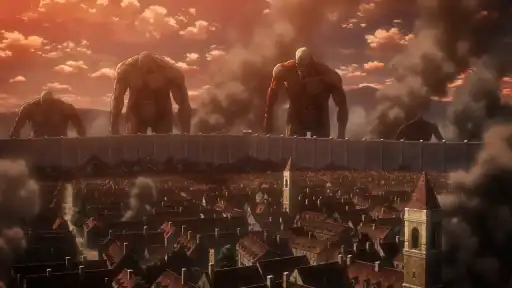
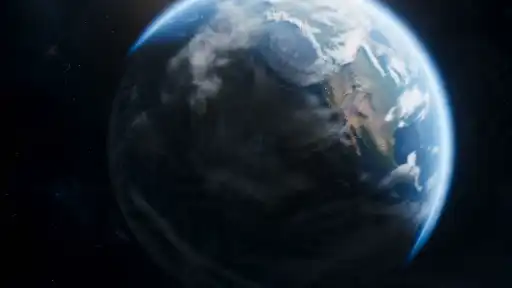
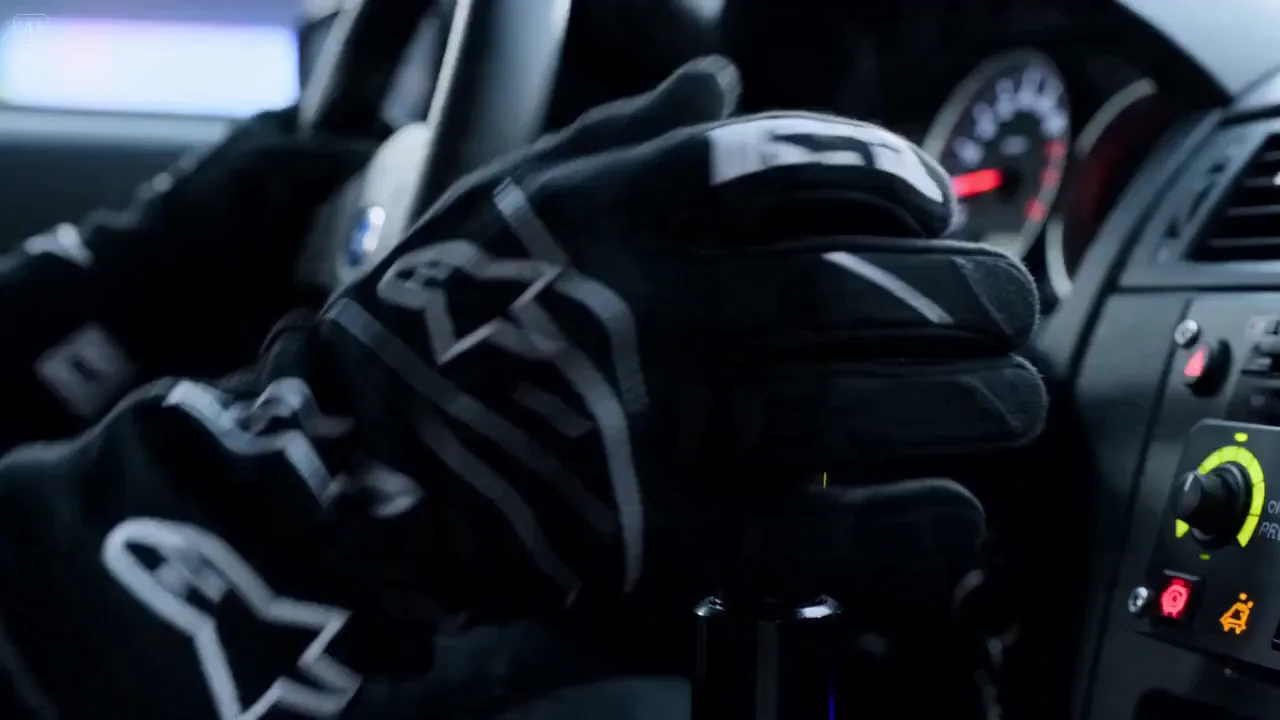
Car in motion
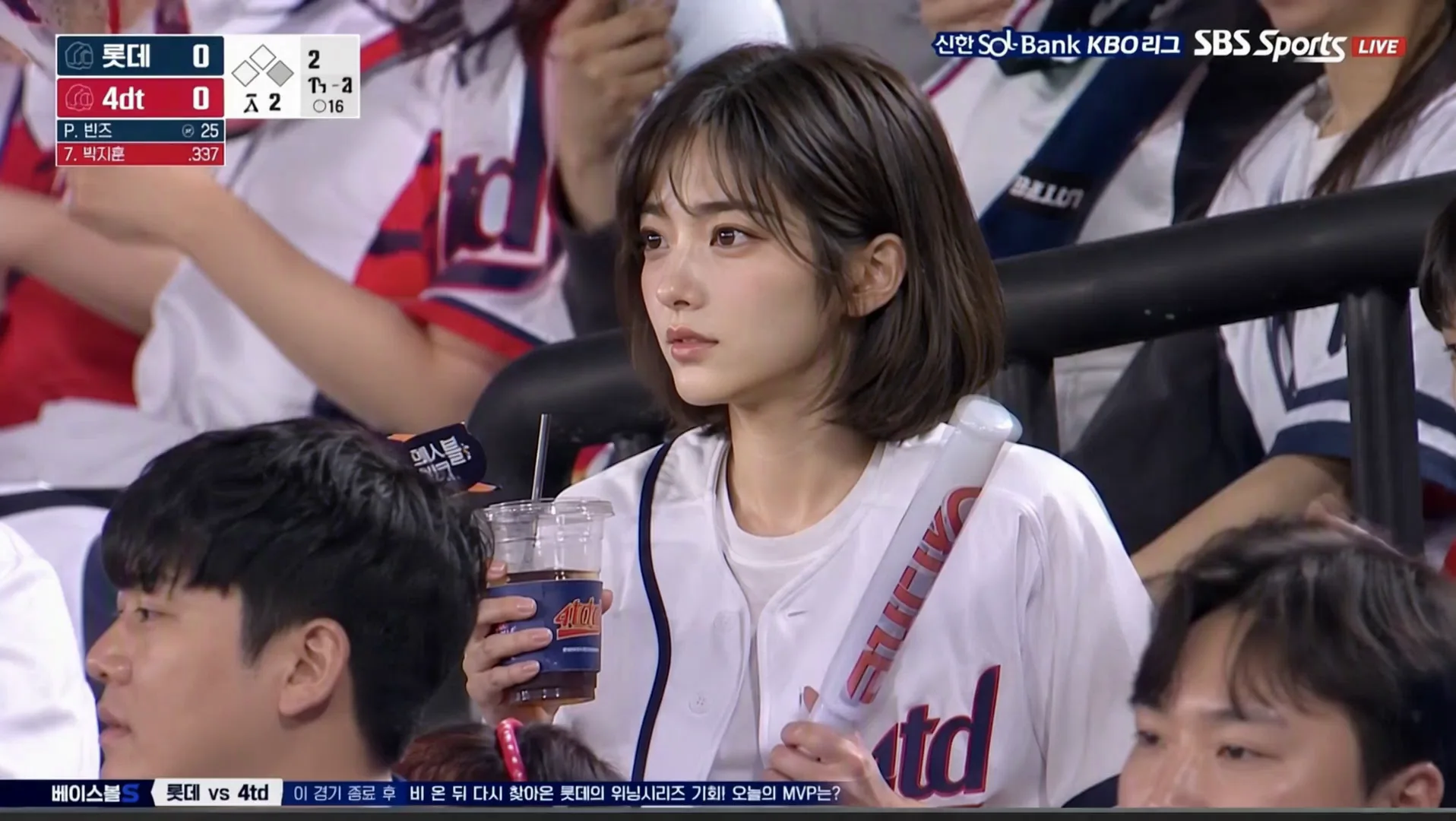
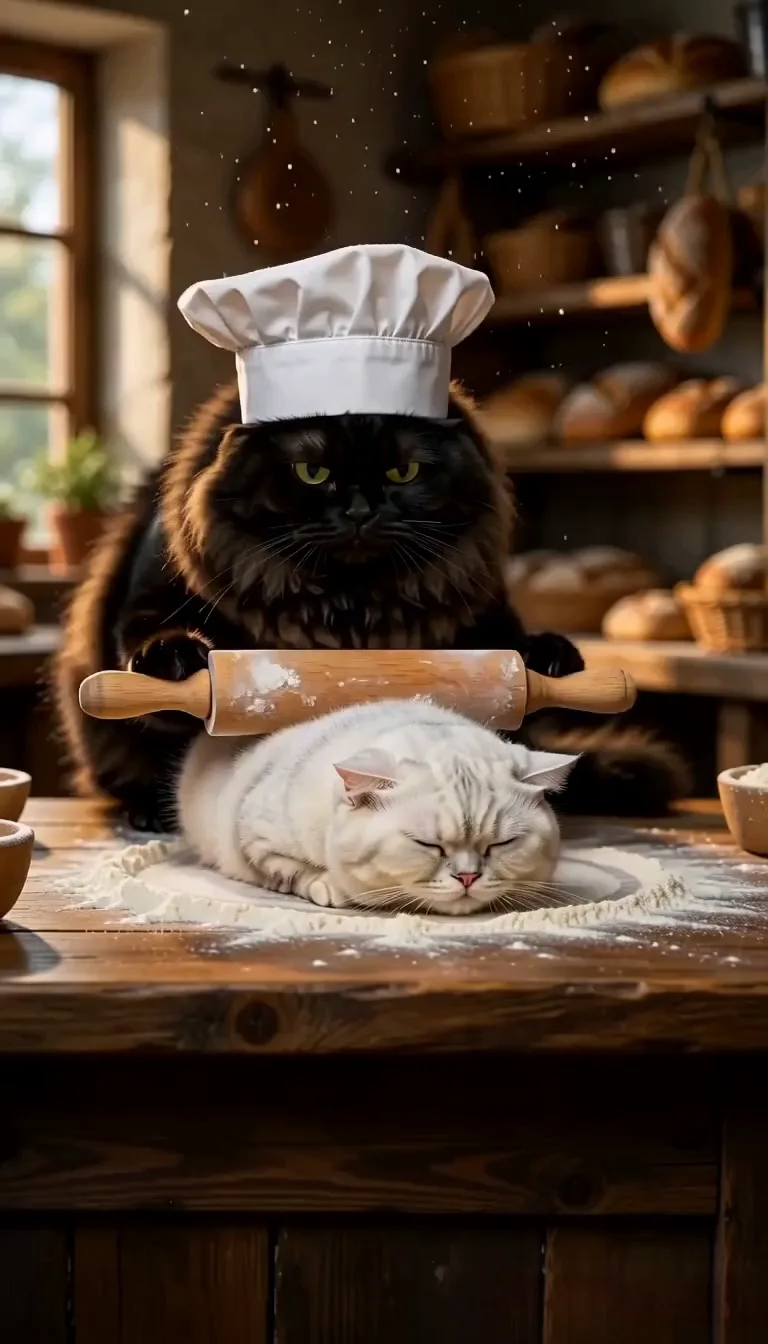
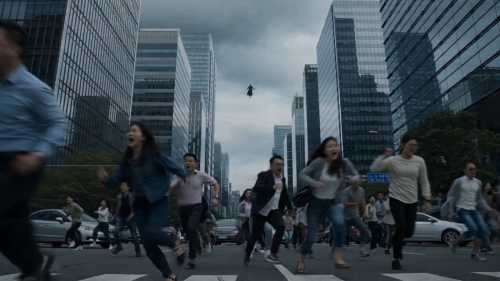
Видеомодель следующего поколения с искусственным интеллектом от ByteDance, созданная для авторов, которым нужно нечто большее, чем просто красивый клип.
Создайте полную сюжетную линию — зацепку, действие, развязку — за один раз. Seedance 2.0 сохраняет единообразие ваших персонажей, реквизита и визуальной логики в каждом кадре, поэтому ваша аудитория остается погруженной.
Каждое видео сопровождается синхронизированными диалогами и встроенными звуковыми эффектами. Никаких черновиков или дополнительного звукового оформления — только готовый к публикации клип.
Выводите изображение с качеством до 4K — на выбор 480p, 720p, 1080p или 4K — в нужном вам соотношении сторон: ленте, истории или целевой странице, без повторного редактирования. Короткие видеоролики продолжительностью 5–12 секунд идеально подходят для реальной рекламы и размещения в социальных сетях.
Прямой поток сцен, взаимодействие нескольких объектов и динамичные движения камеры простым языком. Меньше повторов, более четкие результаты — ваше творческое задание будет выполнено с первого раза.
Seedance 2.0 и Seedance 2.0 Fast соответствуют одинаковым ограничениям на эталонные материалы.
Лучше всего подходит для создания качественного повествовательного видео с собственным звуком и всесторонними отсылками.
Поддерживает реалистичное создание эталонных изображений человека, включая изображения людей, созданные искусственным интеллектом, в качестве эталонных изображений.
Ограничения референсов Seedance
Более быстрый и недорогой вариант с теми же основными правилами ввода ссылок.
Поддерживает реалистичное создание эталонных изображений человека, включая изображения людей, созданные искусственным интеллектом, в качестве эталонных изображений.
Ограничения референсов Seedance
Оживите свои статические изображения с помощью динамической генерации движения.
Создавайте видео непосредственно из текстовых подсказок с полным пониманием сцены.
Некоторые модели автоматически генерируют синхронизированный звук — постобработка не требуется.
Seedance 2.0 и Kling O3 могут объединять изображения, видеоклипы и аудио-отсылки для создания нового видео с более сильным визуальным контролем и контролем движения.
Загрузите эталонное изображение или введите текстовую подсказку.
Выберите модель, продолжительность, разрешение и параметры звука.
Создайте свое видео и загрузите результат.
Есть еще вопросы? Свяжитесь с нами по адресу support@aniv.ai