 Aniv AI
Регистрация — 60 кредитов в подарок
Создавайте качественные изображения с GPT Image 2 по текстовым запросам и редактируйте их с помощью референсов.
image_example
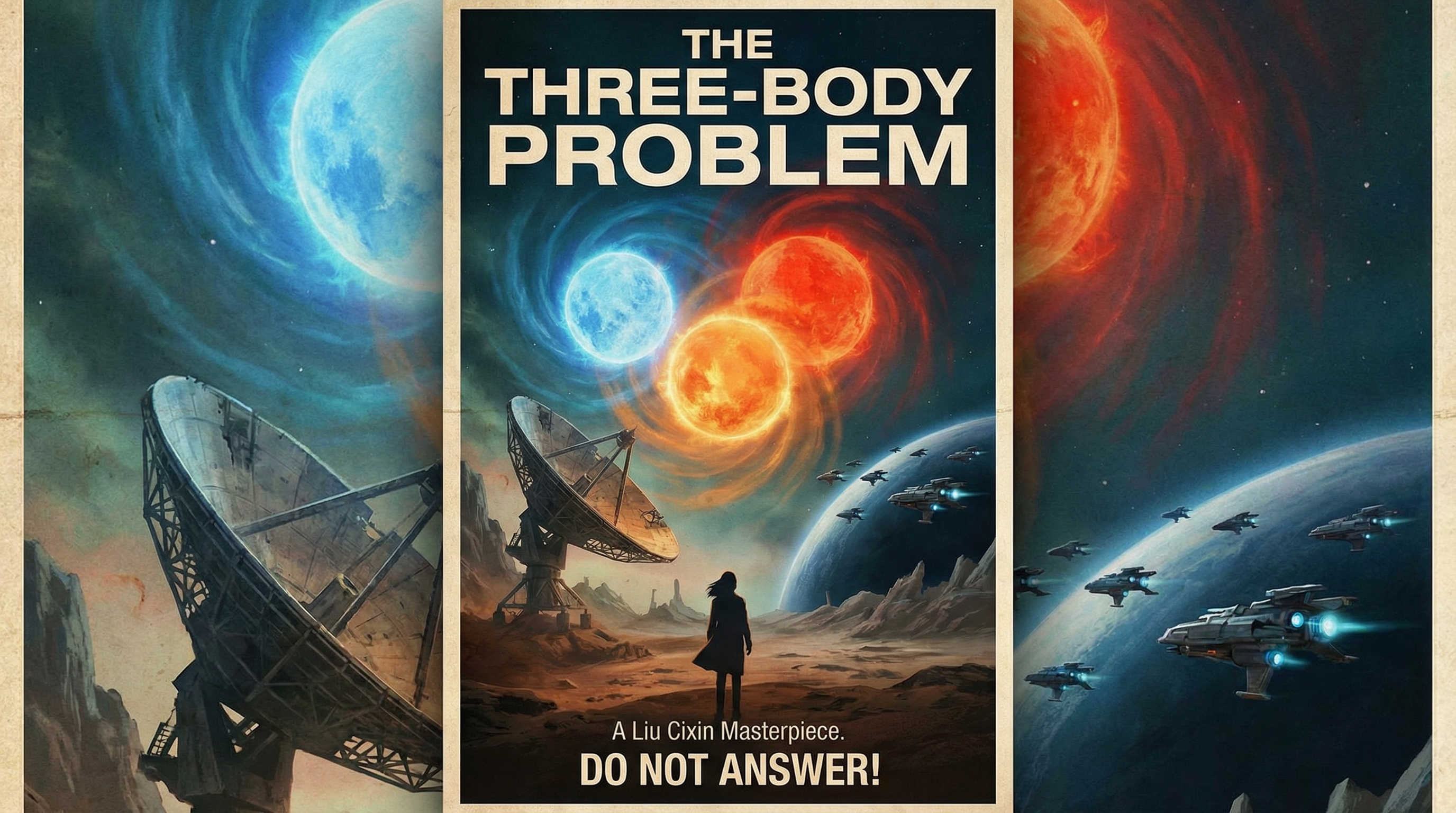
Three Body
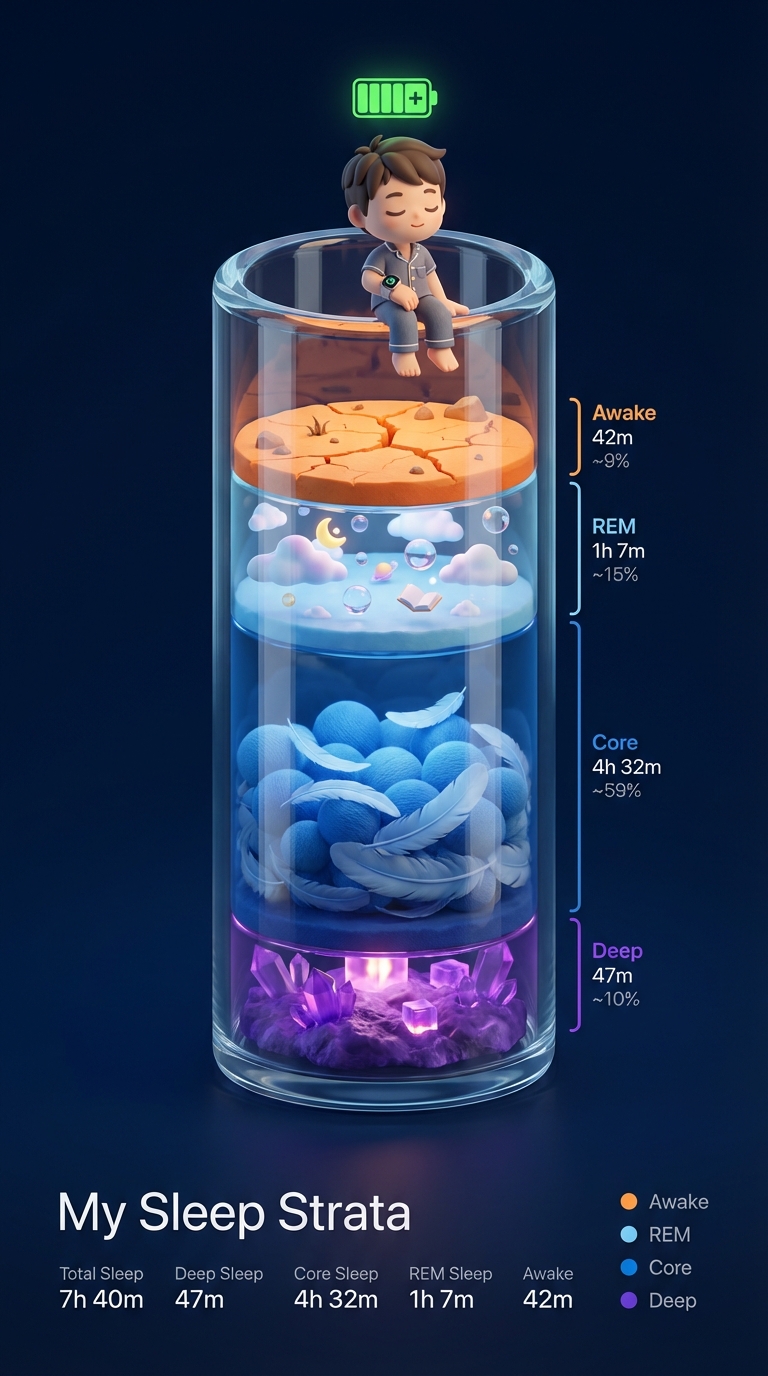
Analyze the uploaded Apple Watch sleep data

image_example

image_example
image_example
image_example
GPT Image 2 создан для обработки сложных визуальных направлений, точного расположения объектов и превращения плотных подсказок в изображения, которые можно сразу использовать.
Модель уделяет большое внимание композиции и визуальному вкусу, создавая изображения, которые кажутся более преднамеренными, более последовательными и менее явно созданными искусственным интеллектом.
Для более сложных задач изображение GPT 2 может работать с моделью мышления для поиска, сравнения и уточнения результатов для большей согласованности и большей актуальности в реальной жизни.
Напишите подсказку, объясняющую сцену, макет, сообщение и стиль, который вы хотите передать в изображении.
Загрузите эталонные изображения, если хотите сохранить визуальные подсказки, отредактировать существующую концепцию или сохранить более строгий контроль над композицией.
Создайте изображение, просмотрите результат и повторяйте его с более точными инструкциями, пока изображение не будет точно соответствовать вашим намерениям.
Есть еще вопросы? Свяжитесь с нами по адресу support@aniv.ai