 Aniv AI
Choose your image
Drop a JPG, PNG or WebP into the preview, or choose one from your device. Check the original before submitting; selecting an image does not start processing.
Turn a busy photo into a clean, reusable visual. Isolate a person, product or prop, compare the result with your original, and download a transparent PNG for your next design or short drama.
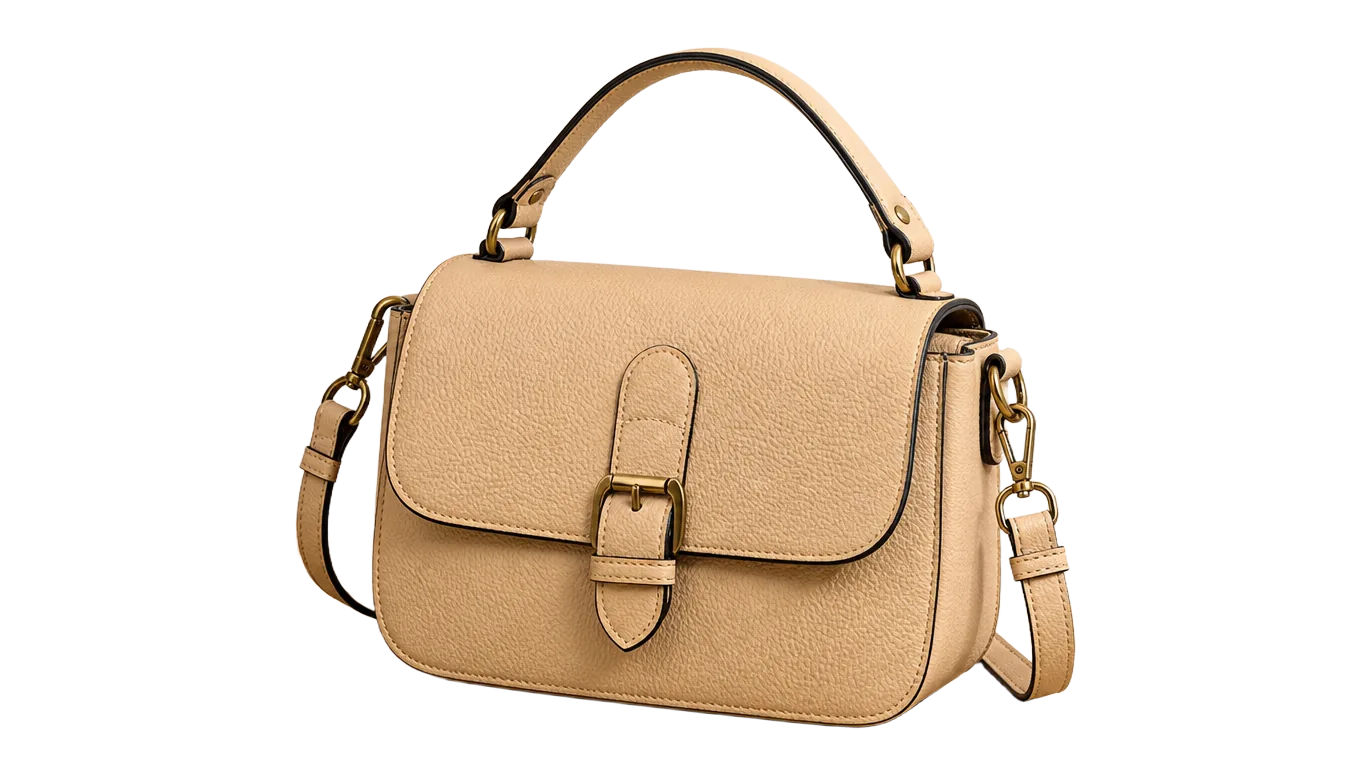
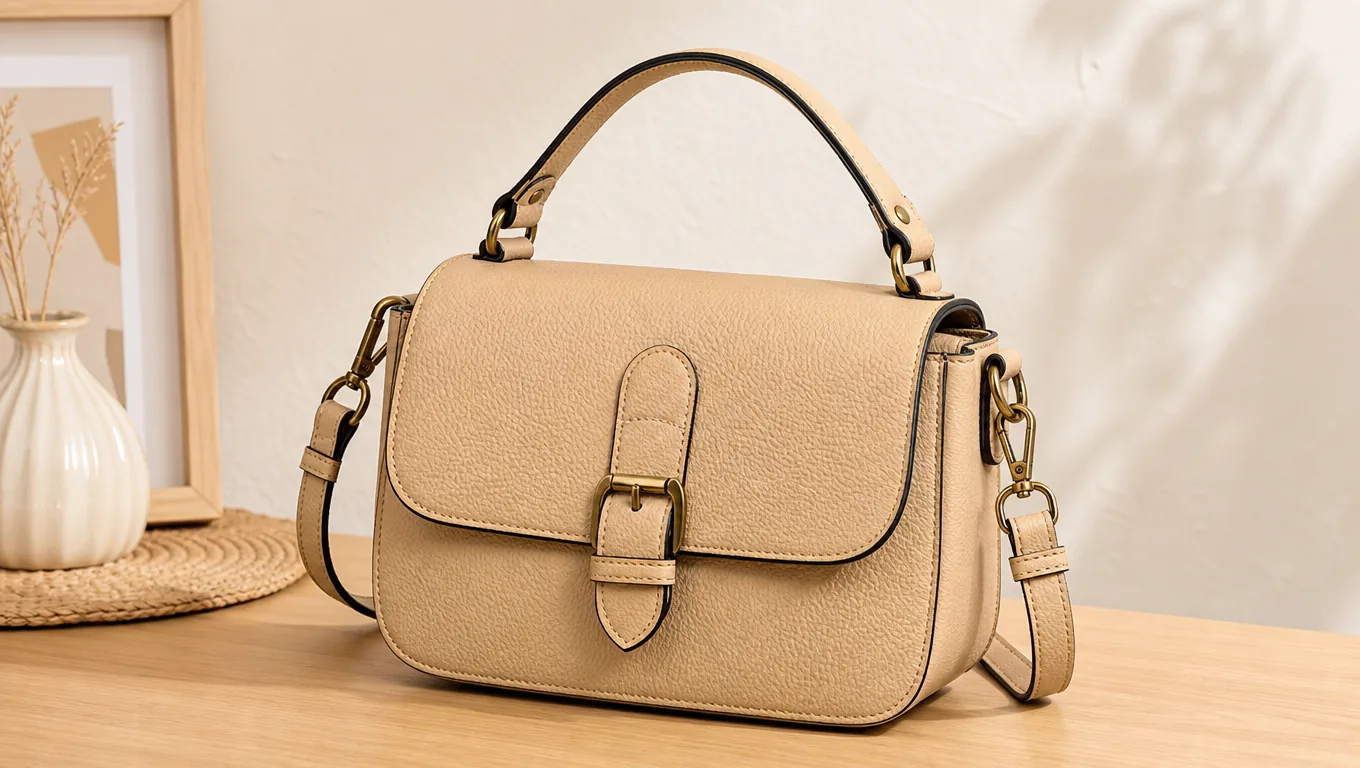 Original
Drag image here, or click to select
Separate people, products and objects from distracting backgrounds. Preview your cutout before saving.
Output format
40 credits per image. Downloading the result or adjusting the blur afterwards costs nothing extra.
Choose an image to get started.
From your original photo to a reusable cutout in three steps. You control when processing starts and when the result is saved.
Drop a JPG, PNG or WebP into the preview, or choose one from your device. Check the original before submitting; selecting an image does not start processing.
Click the processing button to let AI separate the subject from its surroundings. Use the comparison preview to inspect the outline, hair and other fine details. Clear, well-lit photos give the model more detail to work with.
When the result looks right, click Download. Use the cutout in product listings, profile graphics, thumbnails, presentations or short-drama assets. The page never downloads a file automatically.
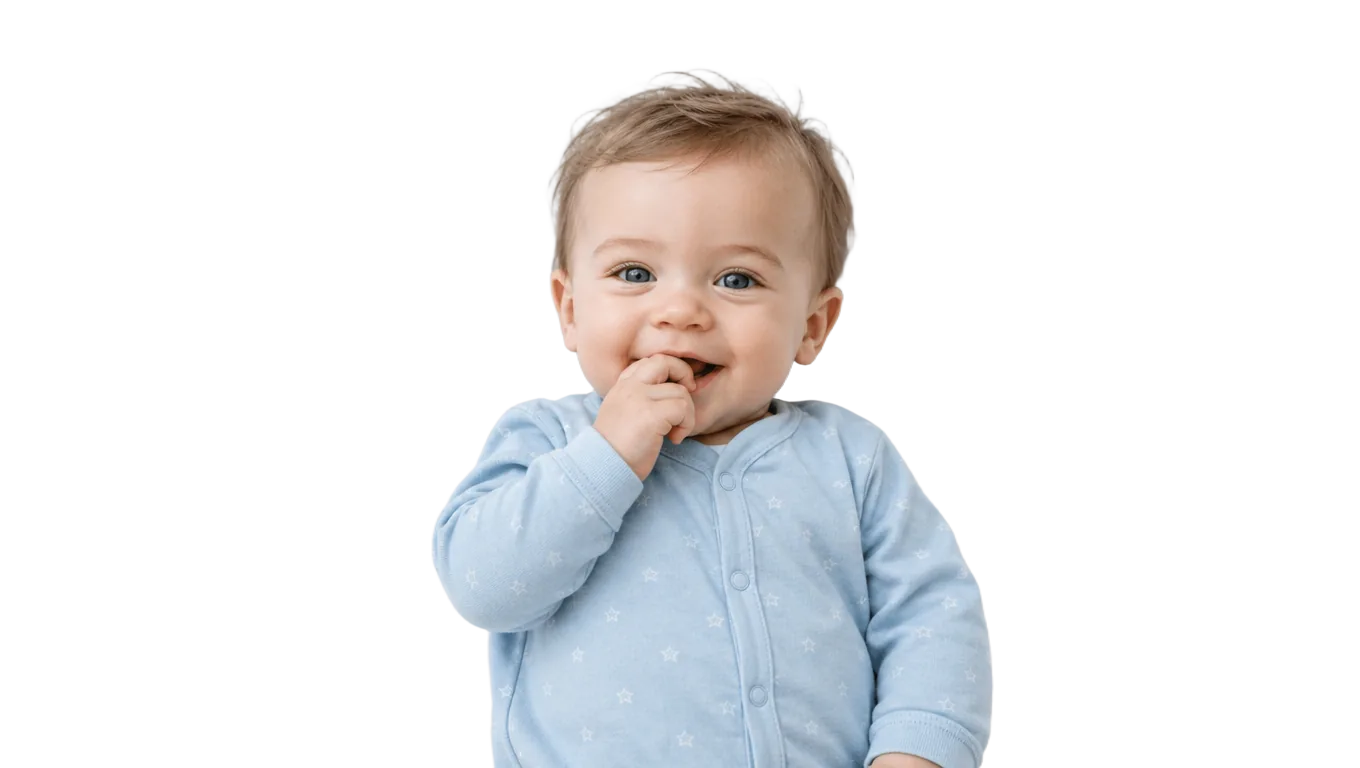
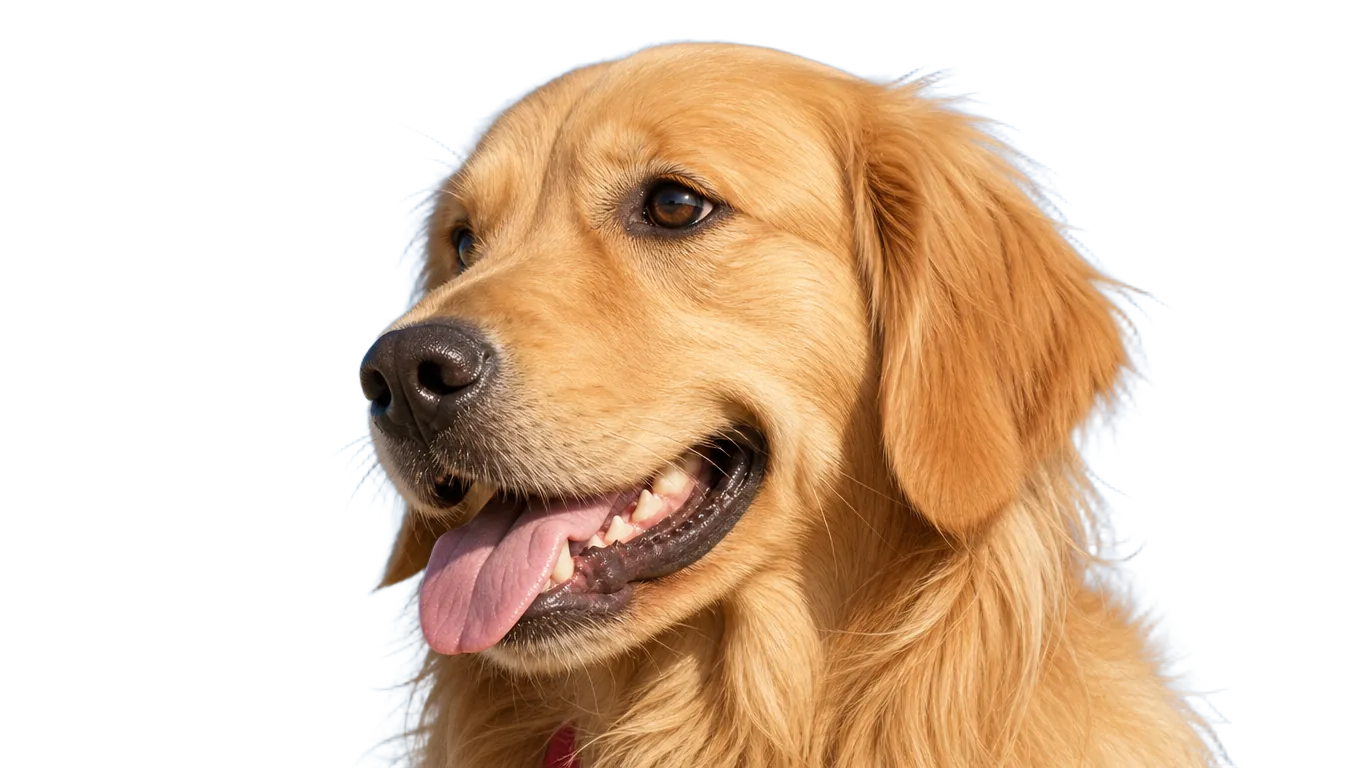
All four below are real results. Drag the handle and look at the edges yourself — that is the only place a cutout is won or lost.
OriginalCutoutLeather piping, brass buckles and the gap under the handle are where a cutout usually goes soft or gets filled in. Drag the handle above and check those spots — on your own product photo, look there first too.
 OriginalCutout
This baby's wispy hair sits against white bedding of almost the same colour. What comes back is a soft, semi-transparent transition on every strand, not a hard line cut across the top of the head.
 OriginalCutout
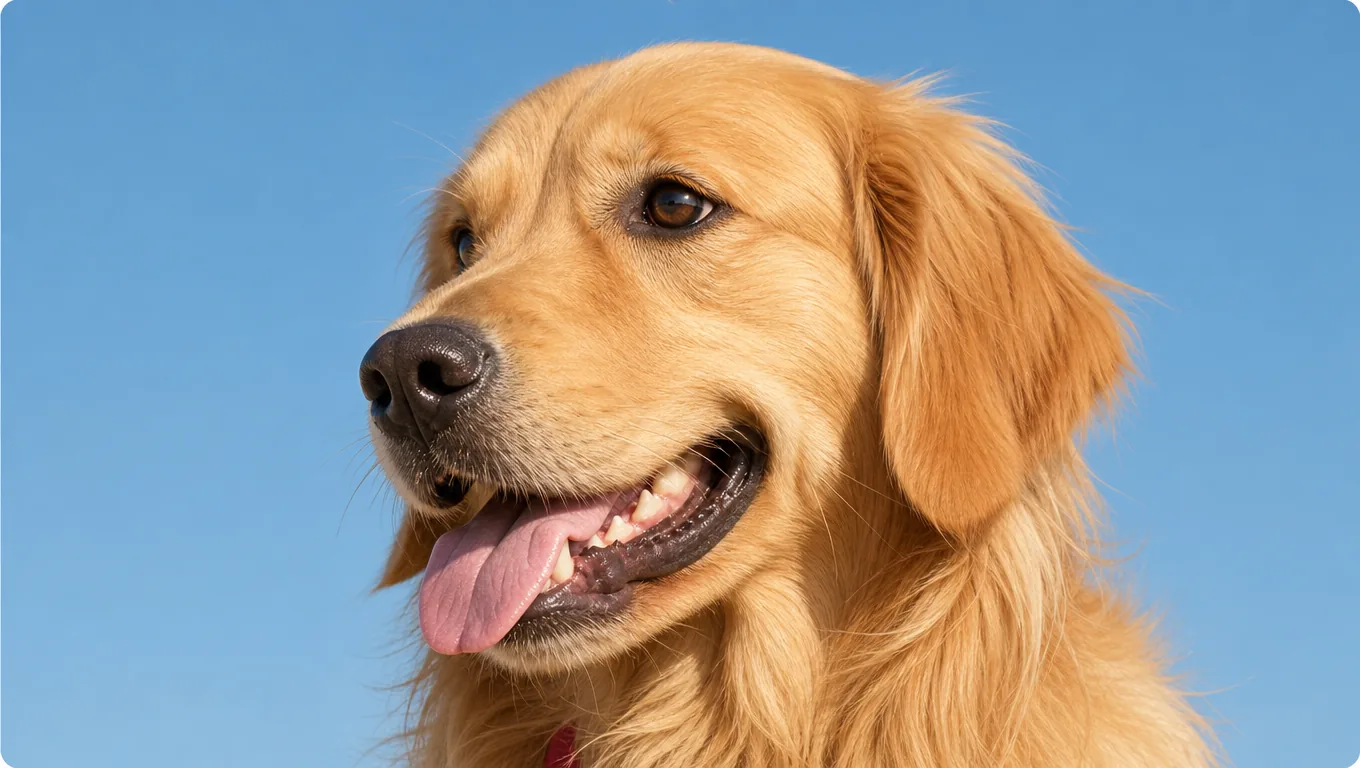
The long fur behind this retriever's ears and across its chest is exactly the case that separates a real alpha matte from a tool that simply traces an outline.
 OriginalCutout
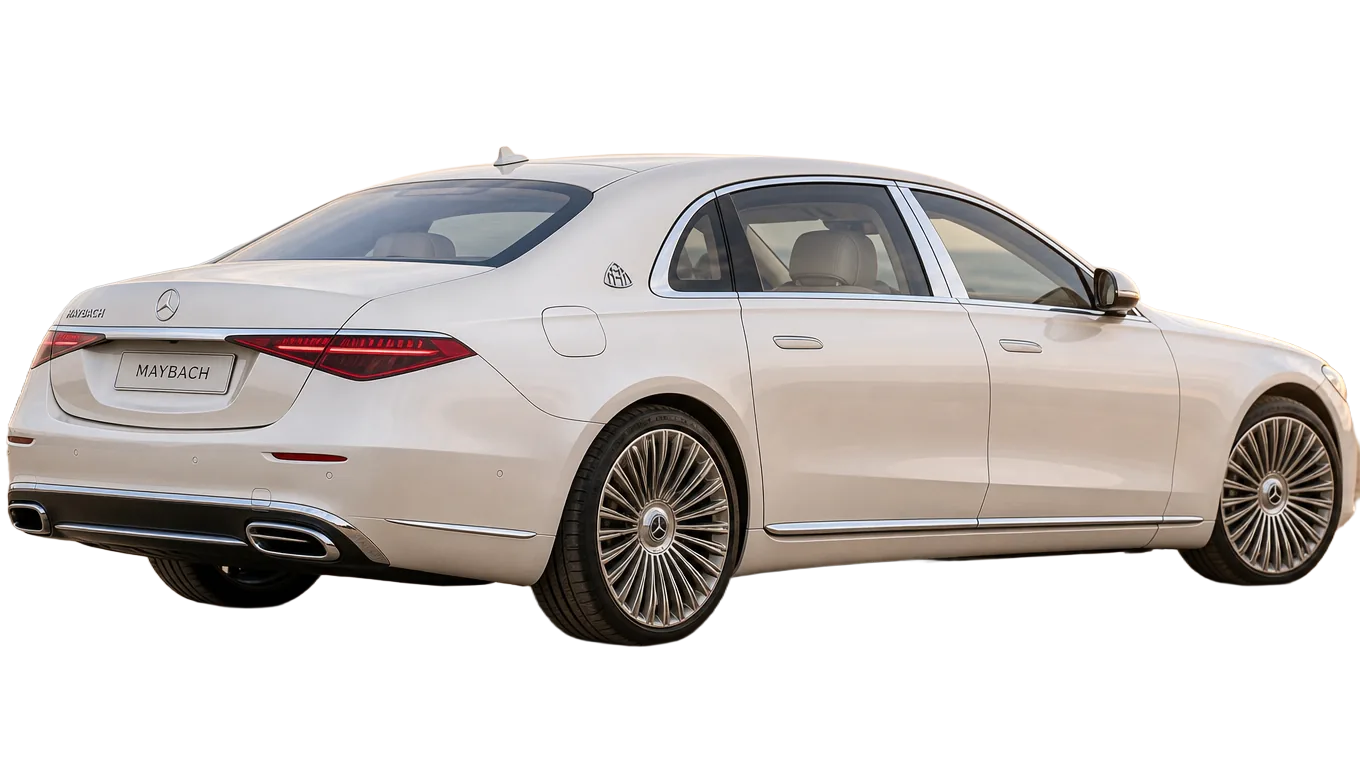
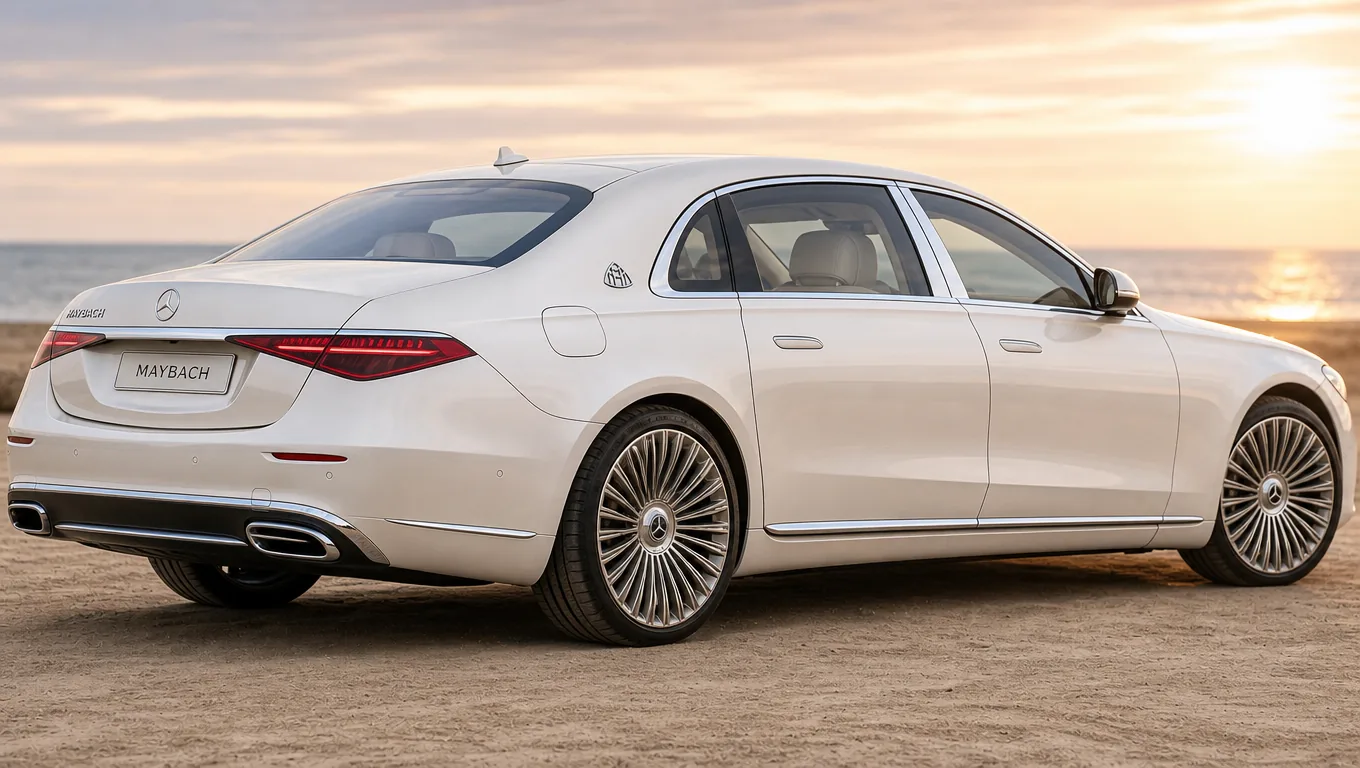
A white car against an evening sky, with the windows and the wheel spokes cut through. Those gaps come back genuinely transparent, so the subject drops onto a new background without a pale box behind it.
Once the background is gone, the same subject can be reused anywhere.
Marketplaces want a clean background. One upload gets you there — no lightbox, no reshoot.
A subject on transparency drops into a poster, a slide or a thumbnail without an outline around it.
With the background gone you can put the subject anywhere: a flat colour, a studio backdrop, or another photograph.
Have another question? Contact us at support@aniv.ai