 Aniv AI
Выберите фото
Выберите или перетащите JPG, PNG или WebP. Начните с портрета или фотографии товара с хорошо различимым объектом.
Привлеките внимание к человеку или товару на фото. Отделите объект, смягчите окружение и настройте размытие в предпросмотре перед скачиванием.
 Оригинал
Перетащите изображение сюда или щелкните, чтобы выбрать
Сохраните чёткость объекта и смягчите фон. После обработки меняйте размытие без повторного списания кредитов.
Формат экспорта
40 кредитов за изображение. Изменение силы размытия — без доплаты.
Выберите изображение, чтобы начать.
Смягчите отвлекающий фон, сохранив акцент на главном объекте.
Выберите или перетащите JPG, PNG или WebP. Начните с портрета или фотографии товара с хорошо различимым объектом.
Нажмите кнопку обработки, затем выберите интенсивность ползунком. Если нужен вырезанный объект, включите прозрачный фон.
Сравните исходник с результатом и скачайте PNG. Дальнейшая настройка того же изображения не требует повторной оплаты генерации.
Все четыре примера ниже — реальные результаты. Проведите ползунком и посмотрите на края сами: размытие оценивают по тому, не размылся ли вместе с фоном сам объект.
 ОригиналС размытием
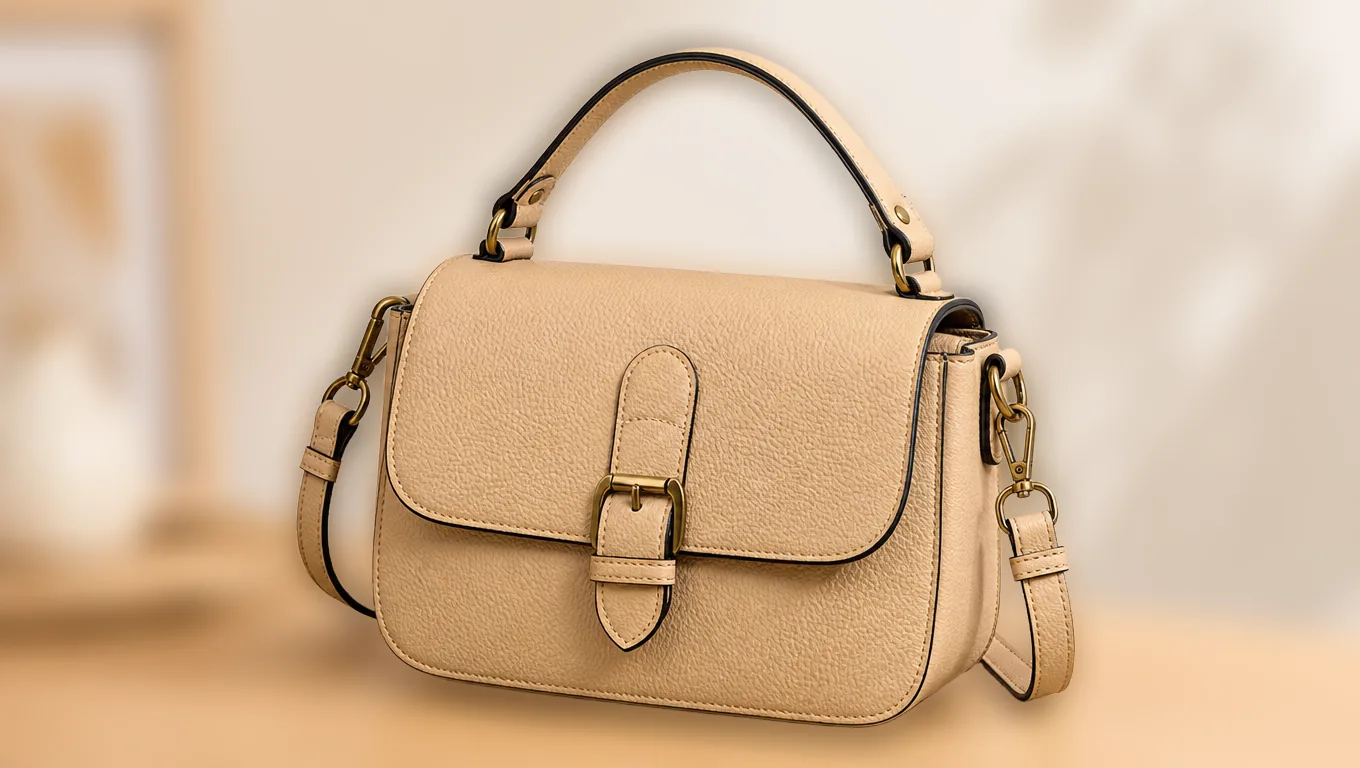
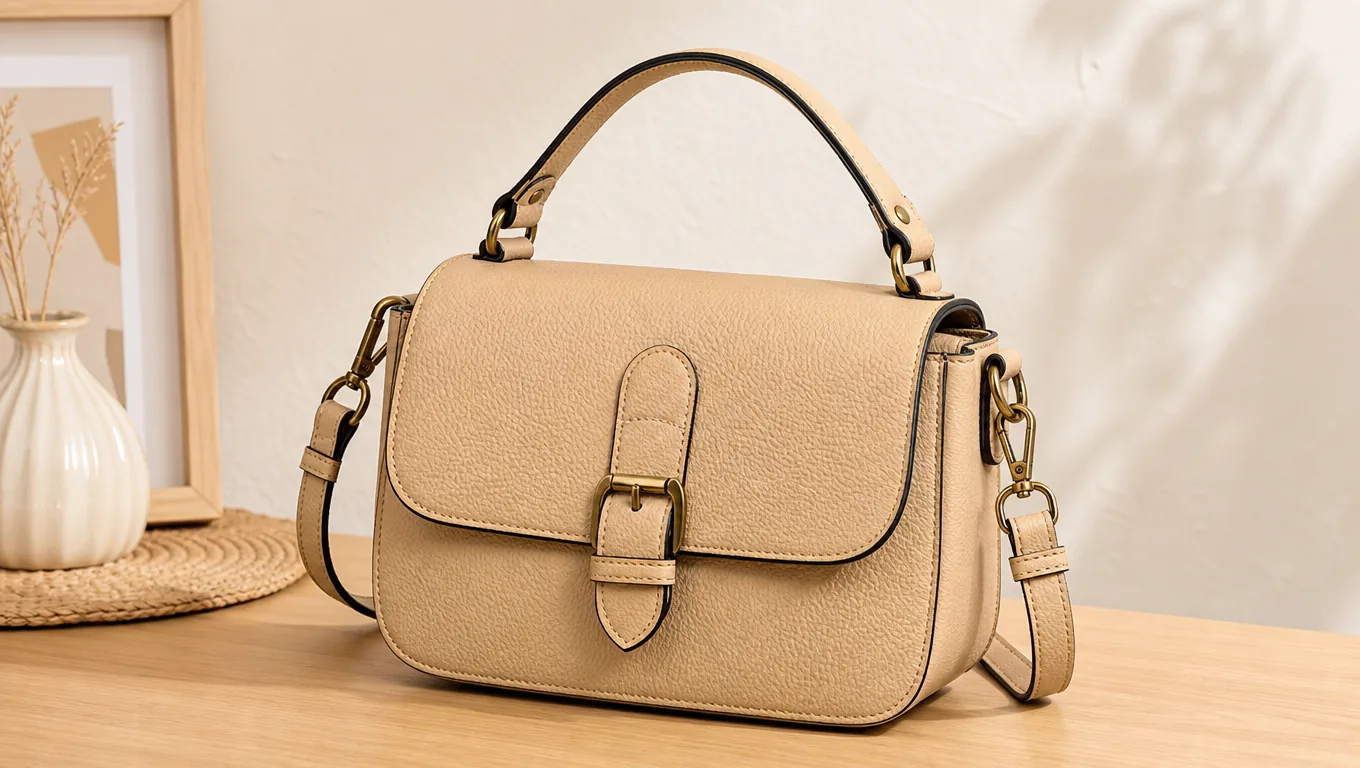
Когда чистый белый фон не нужен, но стол и предметы вокруг перетягивают внимание, размытие подходит лучше вырезки. Проведите ползунком выше и посмотрите на кант сумки и латунную пряжку: объект остаётся резким, мягким становится только слой за ним.
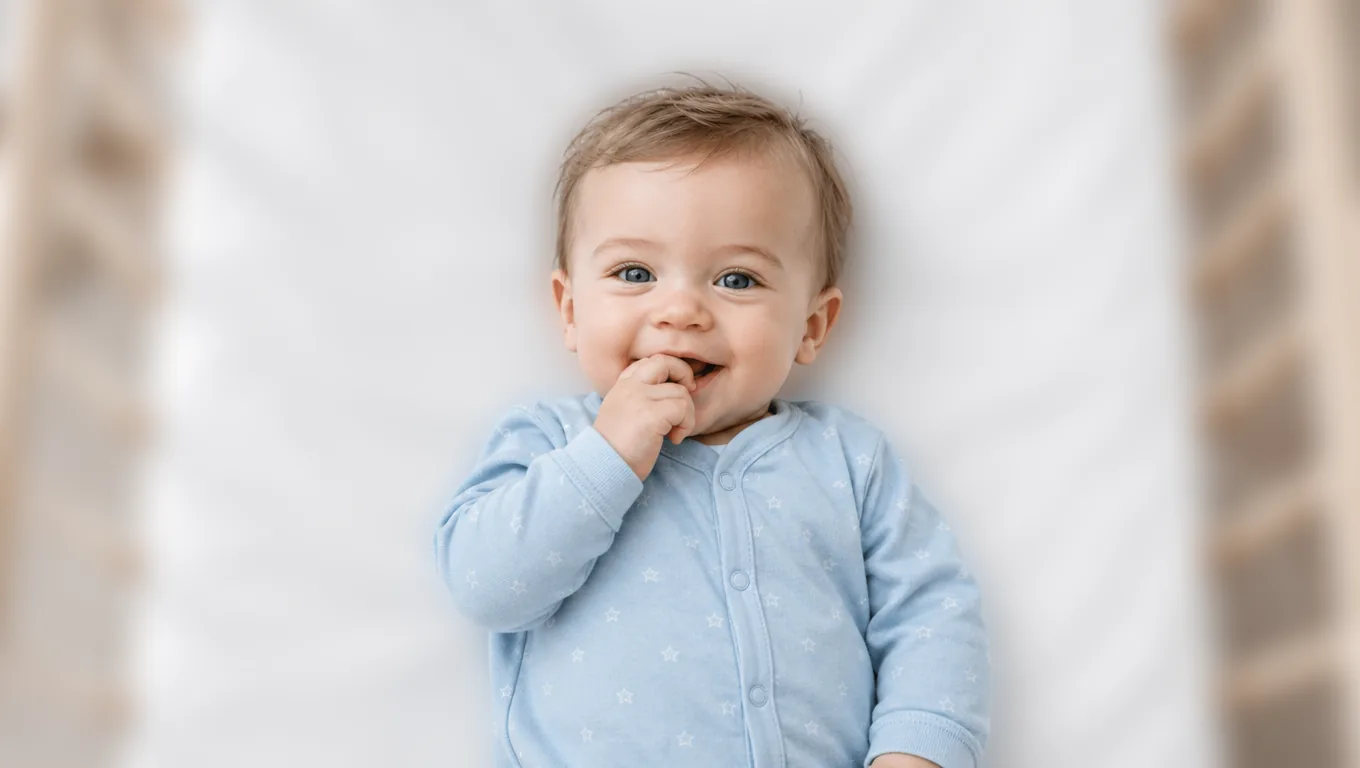
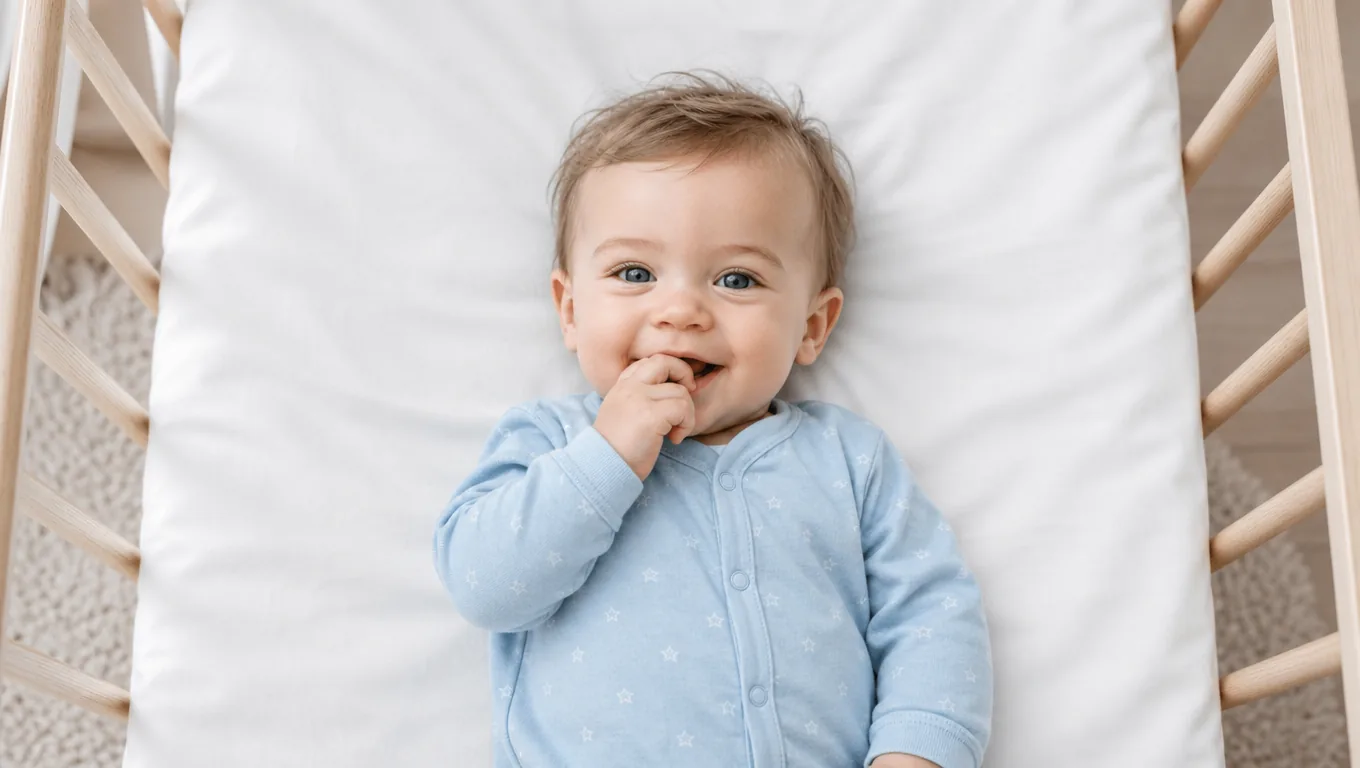
ОригиналС размытиемВолосы младенца близки по цвету к белому белью — там многие инструменты смазывают кончики. Здесь объект сначала отделяется, и только потом размывается фон, поэтому линия волос остаётся читаемой.

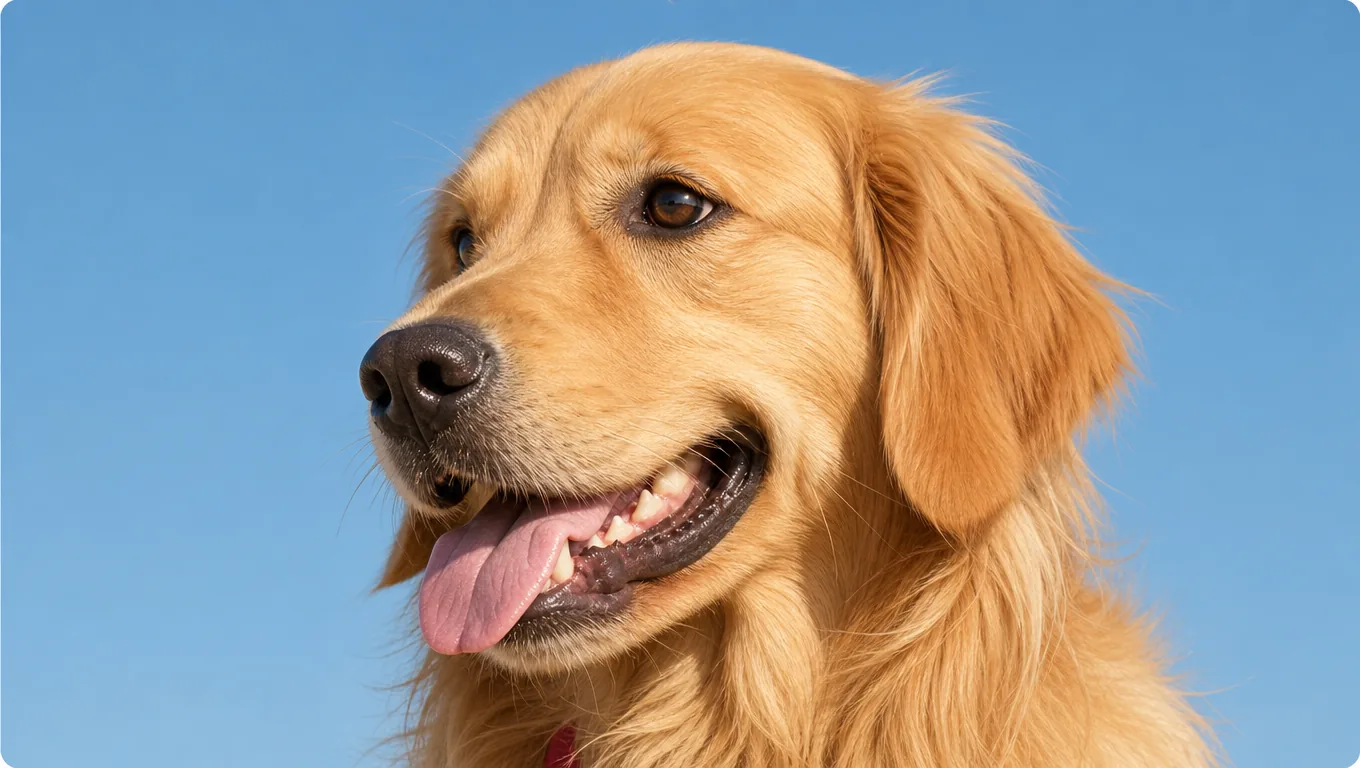 ОригиналС размытием
Длинная шерсть за ушами ретривера — лучшее место, чтобы проверить, где заканчивается размытие: размылась шерсть — это заметно, размылось только то, что позади, — выглядит правильно.
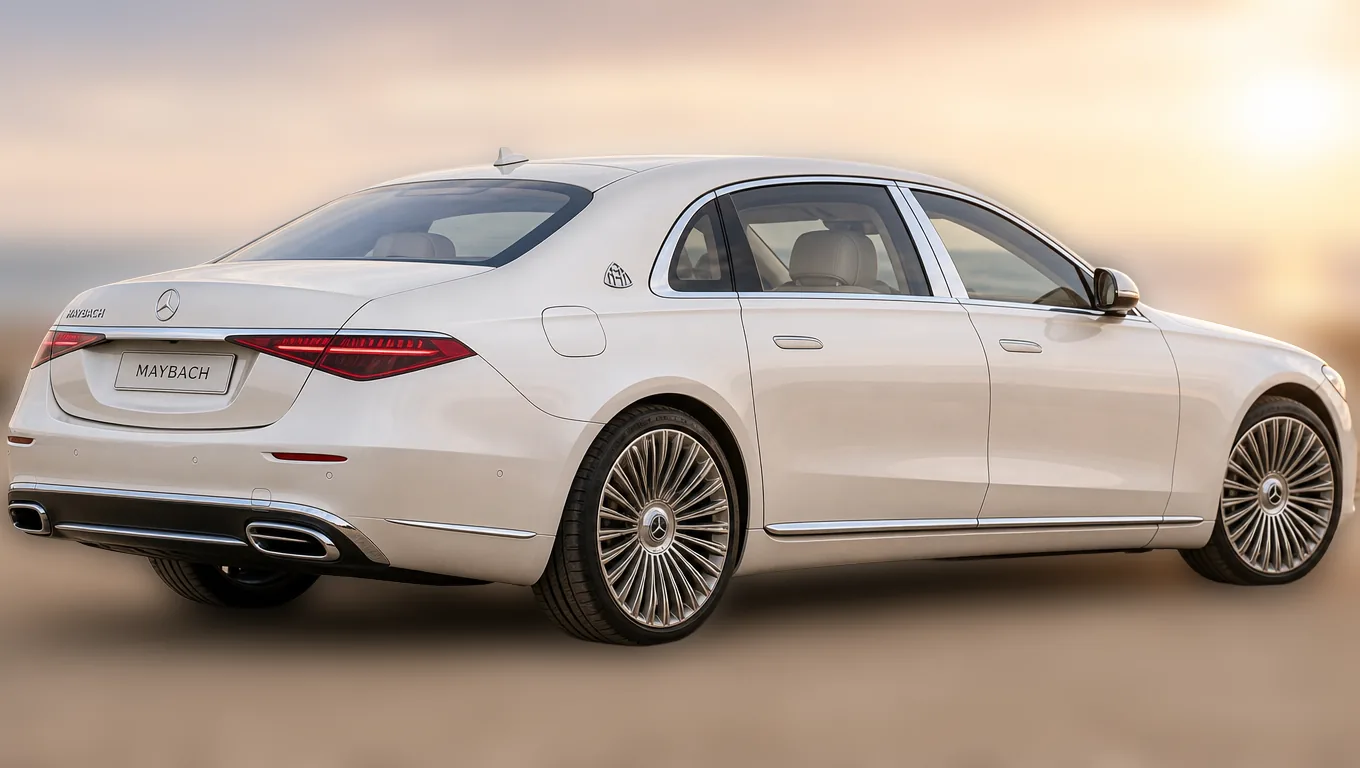
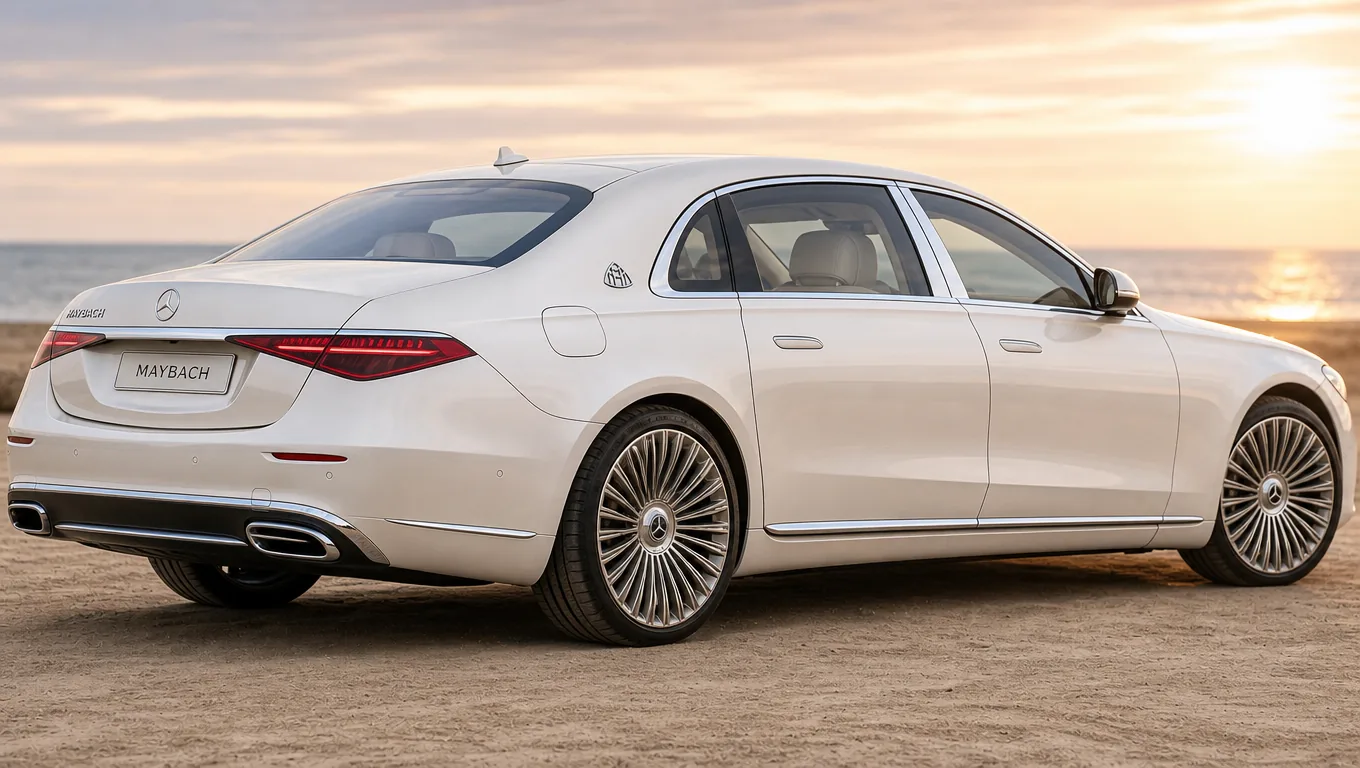 ОригиналС размытием
Небо и песок на берегу и сами по себе притягивают взгляд. После размытия кузов сразу выходит вперёд, а блики на стекле не потеряли резкость вместе с фоном.
Со смягчённым фоном объект выходит на первый план, и один снимок годится для большего числа задач.
На телефонных снимках фон остаётся слишком резким и спорит с героем. Размытие возвращает глубину и выводит объект вперёд.
Размойте комнату позади — кадр станет опрятным без уборки и без хромакея.
Когда чисто белый вырез слишком резок, а фон отвлекает, размытие лучше удаления: обстановка остаётся, просто отступает назад.
Есть еще вопросы? Свяжитесь с нами по адресу support@aniv.ai