 Aniv AI
01
Generate from any text prompt
Describe the shot you want — framing, action, mood — and the model produces a moving clip from that description. No assets to prepare.
Create engaging videos with AI


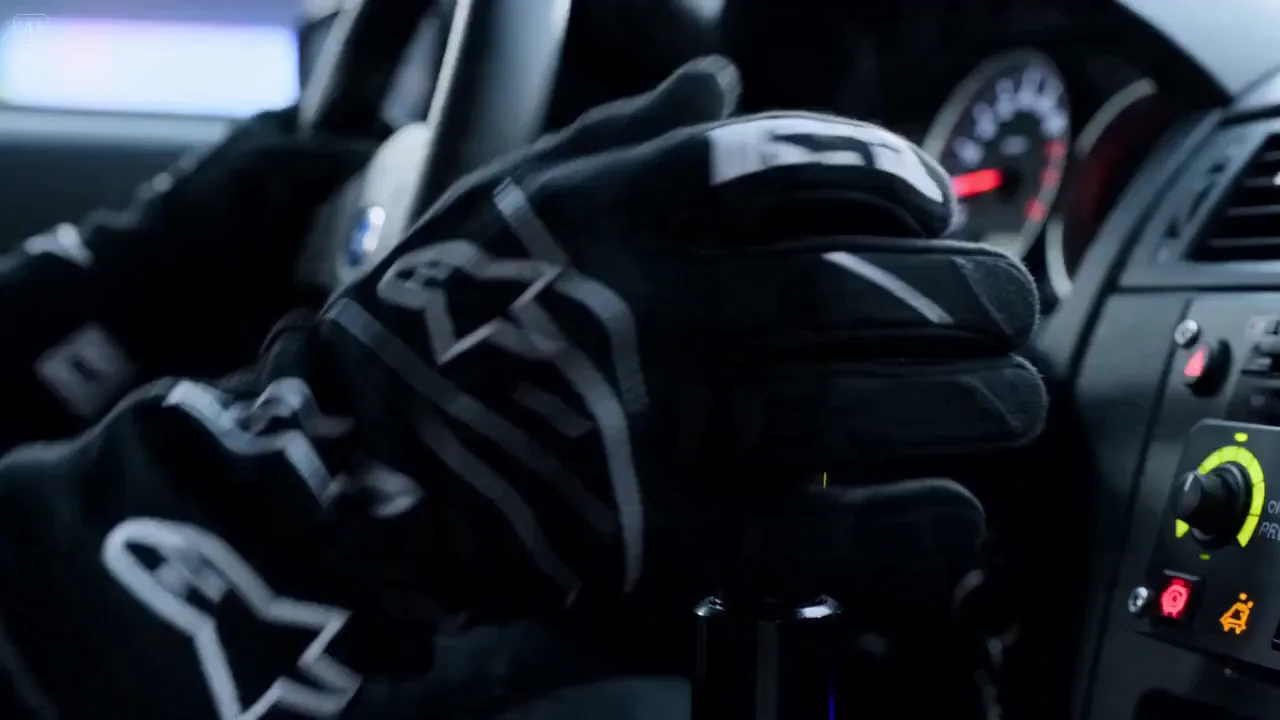
Car in motion
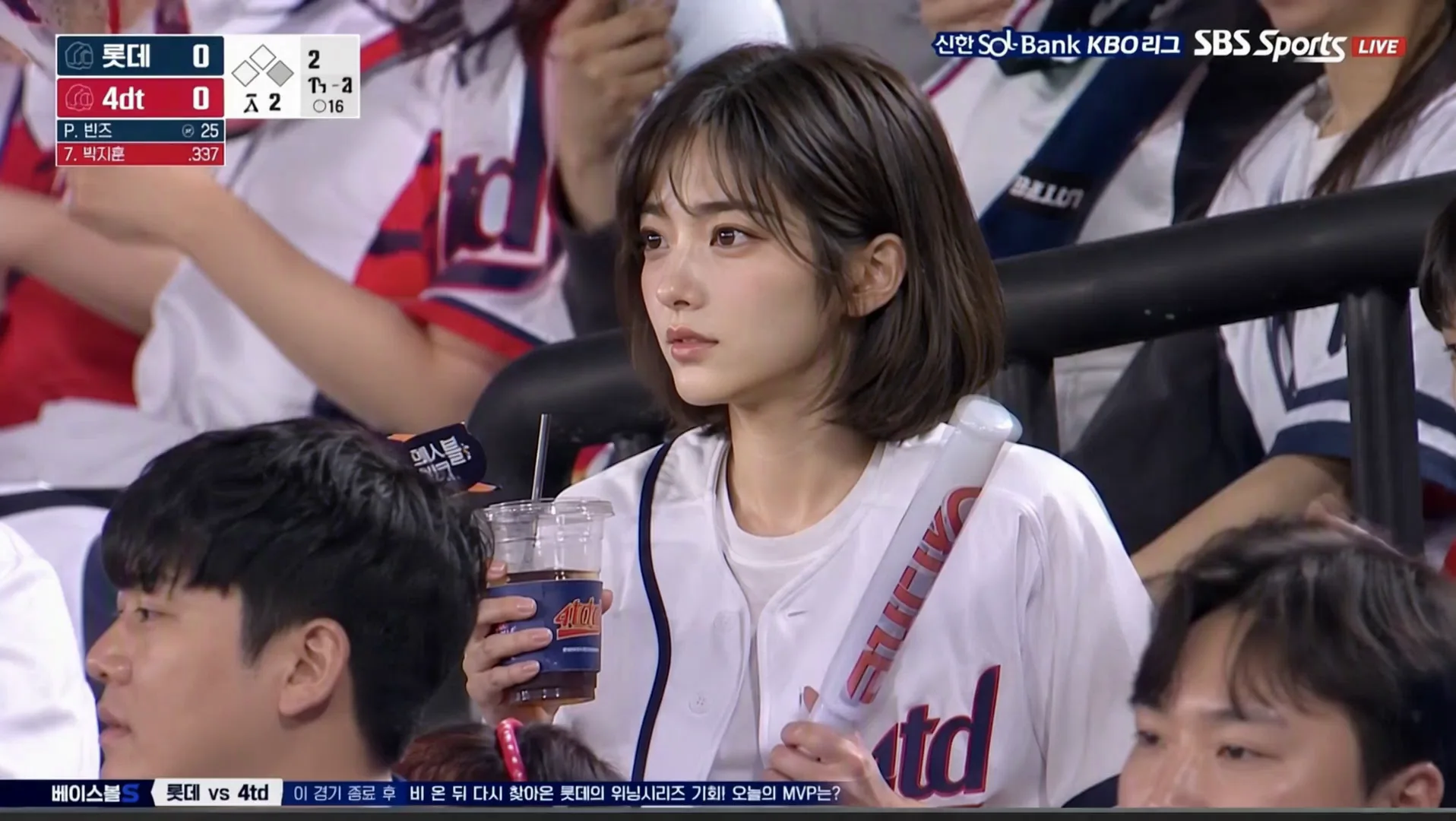


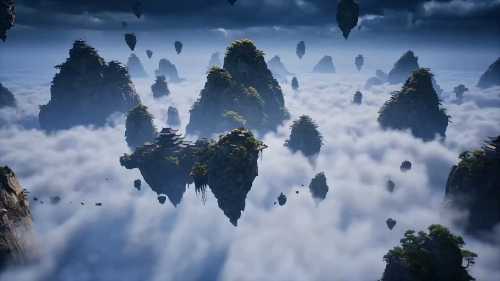
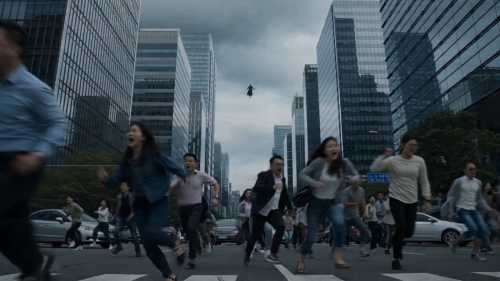
From a single sentence to a reference image, four kinds of input cover the whole path from idea to finished cut.
01
Describe the shot you want — framing, action, mood — and the model produces a moving clip from that description. No assets to prepare.
02
Upload an image as the starting frame and the video moves on from there. The aspect ratio follows that image, so your composition and colour hold.
03
Use an image as content reference rather than the first frame. The model borrows its setting, style and elements, then rebuilds the shot around your prompt.
04
Feed in a character reference and the same person keeps their face, outfit and build across shots — the prerequisite for stitching clips into a drama.
Bring your static images to life with dynamic motion generation.
Generate videos directly from text prompts with full scene understanding.
Select models generate synchronized audio automatically — no post-production needed.
Seedance 2.0 and Kling O3 can combine images, video clips, and audio references to generate a new video with stronger visual and motion control.
Six state-of-the-art models covering every use case — from fast social clips to cinematic 4K productions.
ByteDance's latest generation model. Features native multi-shot character consistency, native audio, and durations up to 15 seconds — purpose-built for narrative short-form content.
Supports realistic human reference generation, including AI-generated human images as reference images.
Seedance reference limits
ByteDance's speed-optimized Seedance model. All the core capabilities of Seedance 2.0 — audio, character consistency, long duration — at a faster turnaround and lower cost.
Supports realistic human reference generation, including AI-generated human images as reference images.
Seedance reference limits
Kuaishou's Omni flagship model. Accepts images, video clips, and audio references in a single prompt — delivering highly controllable, multi-modal video generation.
Kling O3 reference limits
Kuaishou's flagship video model. Highly versatile with wide aspect ratio support, smooth motion, and optional audio generation. Best for general-purpose video creation.
Kling V3 reference limits
Google DeepMind's premier video model. Delivers exceptional cinematic quality with native audio generation, up to 4K resolution, and strong prompt adherence. Ideal for high-end productions.
The speed-optimized version of Veo 3.1. Same 4K capability and native audio, with significantly faster generation — perfect when turnaround time matters.
Upload a reference image or type a text prompt.
Choose your model, duration, resolution, and audio options.
Create your video and download the result.
Have another question? Contact us at support@aniv.ai