Version 1.1

HappyHorse 1.1 Video Generator

Create engaging videos with AI

Bring shots to life with HappyHorse 1.1 — text, first frame, reference images and video editing, all in one model.

Describe the video scene you want to generate...
Generate Audio

AI Video Generation Examples

video_example
video_example
Car in motion

Car in motion

video_example
video_example
video_example
video_example
video_example
video_example

What HappyHorse 1.1 can do

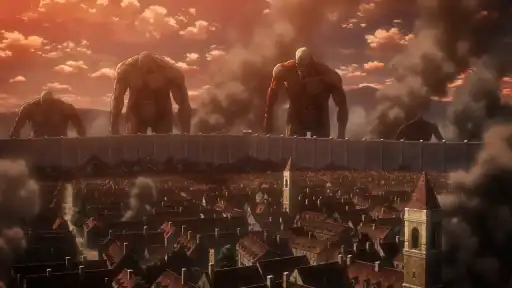
Version 1.1 works from three kinds of input: a prompt, a first-frame image, or up to 9 reference images. Physical plausibility and motion continuity are what this generation focuses on.

01

A video from one sentence

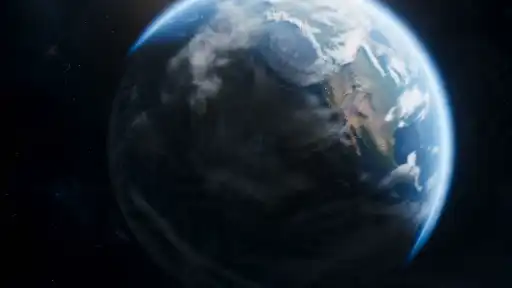
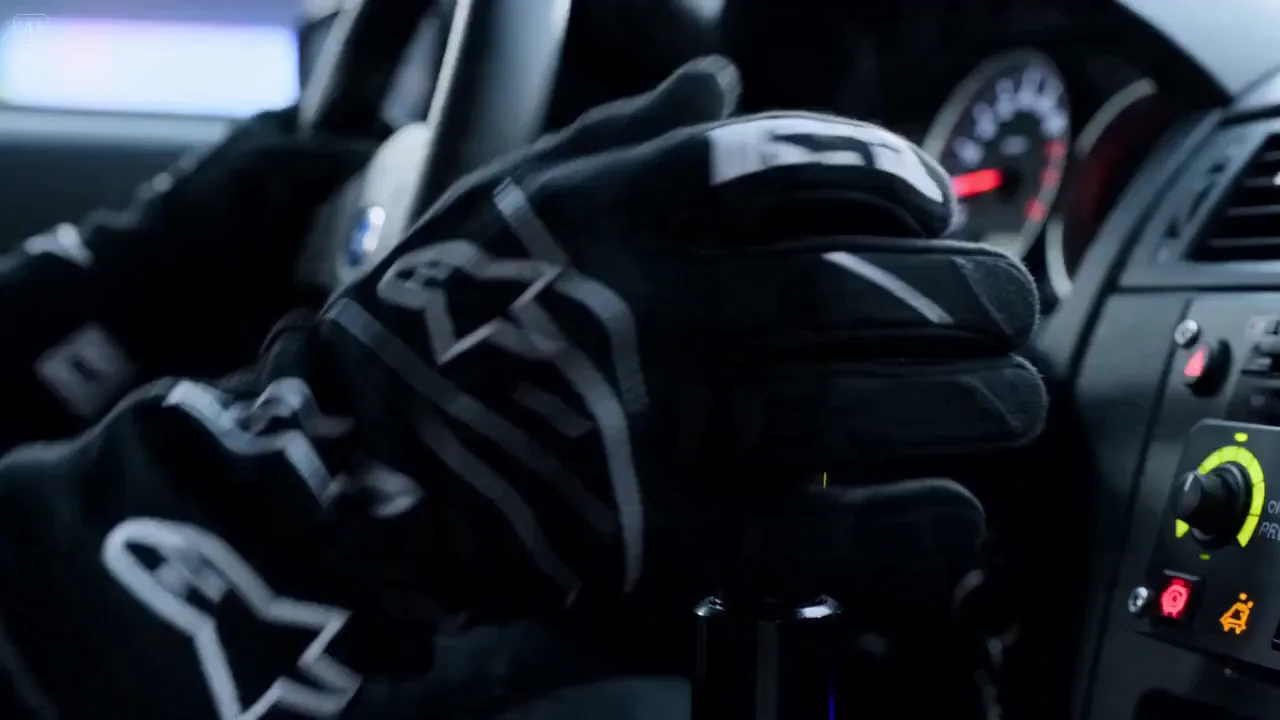
Give it a description and the model decides the framing, the light and the movement. 1.1 is noticeably better at physics — gravity, momentum, cloth and liquid hold up when you step through frame by frame. 720p or 1080p, 3 to 15 seconds.

02

Lock the frame with an image

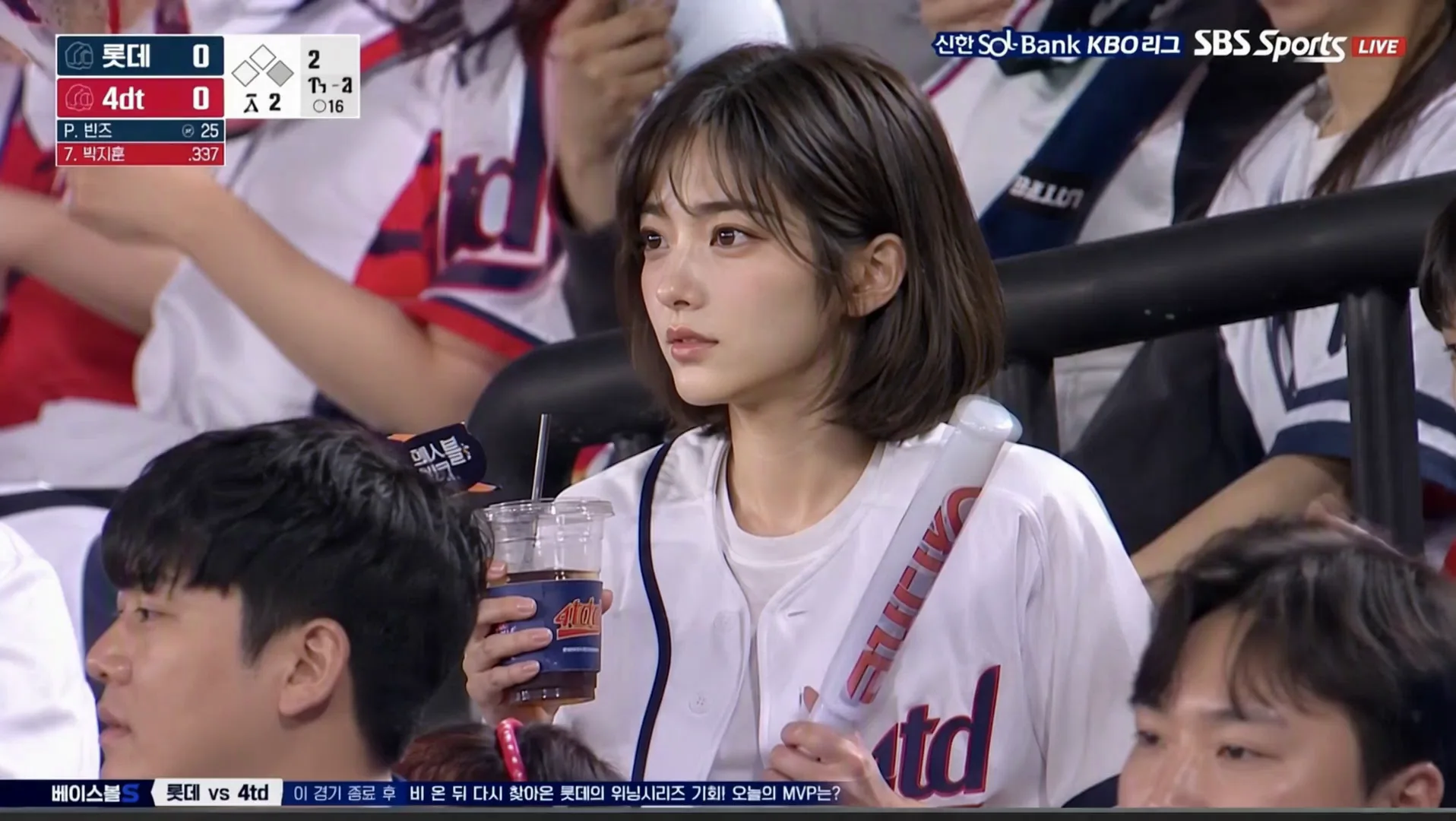
Upload one image as the first frame and the model animates it while the subject's face, clothing and setting stay put. The aspect ratio follows the image, so there is nothing to pick. Useful when you already have the still you want and only need it to move.

03

Up to 9 references, several subjects at once

Pass 1 to 9 ordered reference images and address them in the prompt as character1, character2 — several characters share a shot and each keeps their own look. This is the path in 1.1 best suited to episodic work.

Why HappyHorse 1.1?

Four creation modes, one consistent model — built for speed, fidelity, and prompt control.

Text · Image · Reference · Edit

One model covers four workflows — type a prompt, animate a still, follow up to nine reference images, or re-cut an existing video.

Sharp 720p / 1080p Output

Stay budget-friendly at 720p, or step up to 1080p when fine detail matters. Costs scale linearly per second.

Faithful Image-to-Video

Drop in a single first frame and HappyHorse animates it while preserving identity, lighting, and composition.

Camera, Style, and Audio Cues

Spell out cinematography, mood, and audio direction in plain language — fewer retries, more usable takes.

HappyHorse Models

Pricing scales with resolution: 720p at 20 credits/sec, 1080p at 30 credits/sec.

HappyHorse

HappyHorse 1.1, one model end to end: text-to-video, image-to-video, reference-to-video and video editing.

Pricing: 720p · 20 credits/sec · 1080p · 30 credits/sec.

HappyHorse
Duration
3 / 5 / 10 / 15s
Resolution
720p / 1080p
Aspect Ratio
5 ratios
Pricing
720p · 20/s · 1080p · 30/s

HappyHorse reference limits

  • Text-to-video, image-to-video, and reference-to-video support 3–15 second outputs.
  • Image-to-video starts from exactly one image and locks it as the first frame.
  • Reference-to-video supports 1–9 images as style, subject, or scene references.
  • Video-edit ignores duration; billing uses the source video duration, capped at 15 seconds and multiplied by two.
  • Output includes audio by default, and inference audio cannot be fully disabled.
  • Prompts work best when subject, action, scene, camera movement, visual style, and audio cues are explicit.

Key Features

Text, Image, Reference, and Edit

Use one HappyHorse model for text-to-video, single-image animation, multi-reference generation, and video-edit workflows.

Reference-to-video Control

Guide style, subjects, and scenes with 1–9 reference images while HappyHorse generates a new video.

First-frame Image-to-video

Start from exactly one image and lock it as the first frame for more predictable motion from a known visual.

Built-in Audio Output

HappyHorse videos include audio by default, making clips more suitable for ads, product motion, and presenter-style content.

How to Use

1

Choose your input mode

Start from a prompt, one first-frame image, multiple reference images, or a source video for editing.

2

Set video options

Choose resolution, aspect ratio, duration, and prompt details that describe the subject, action, scene, and camera movement.

3

Generate and review

Submit the HappyHorse task, preview the result, and refine the prompt or references if another version is needed.

FAQ

FAQ

Have another question? Contact us at support@aniv.ai

HappyHorse image-to-video starts from exactly one image and locks it as the first frame. HappyHorse reference-to-video uses 1–9 images as style, subject, or scene references while generating a new video.

Yes. HappyHorse text-to-video is the simplest mode and only requires a prompt, resolution, ratio, duration, and optional watermark or seed settings.